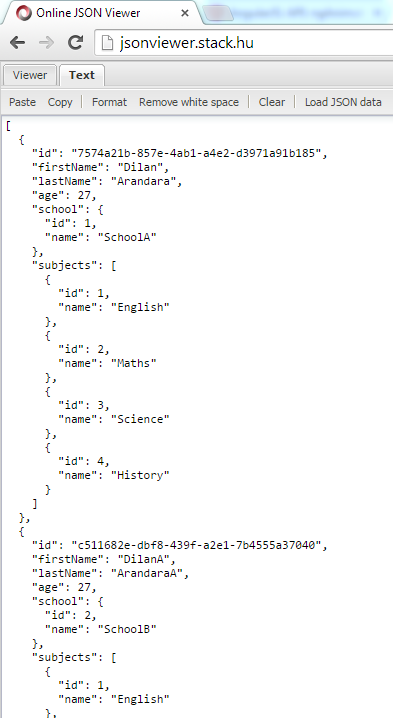
In software coding, we must follow the naming conventions. In
C#, first letter of the property name should be capitalize. But in J
avaScript first letter should not be capitalize.
If we create a default ASP.net Web API project, above naming conventions will be ignored.
In the following demo I will show an example how we will get a JSON response in default Web API project and how we can configure the project to have correct naming conventions.
First create a ASP.net Web API project.
Add
School and
Student classes to the
model folder. Add an empty Web API controller called
StudentsController to the
controllers folder.
Content of the
Student class should be like below
Content of the
School class should be like below.
In the
StudentsController add an Web API action method like below.
Then run the project and check it in the Fiddle.
You will see the JSON naming conventions are not there. All field names are according to the C# classes.
For the correct naming conventions we must add a new configuration to the
WebAPiConfig class. You have to use
CamelCasePropertyNamesContractResolver class.
Again run the project and check the response in Fiddler. Now the JSON response has correct naming conventions.